Churches need more than ramps to be accessible. They also need web accessibility.
Why we need accessibility
For those who are able-bodied, consider the significance of sight online. There’s rarely any audible feedback when you click a button, navigate around, or scroll to the bottom of a page. If there’s a video on the page that doesn’t include audio, you need an auditory description of the content. Or consider the experiences of our deaf or hard of hearing (HOH) siblings, for whom captions are critical to interpreting a video on a web page. Maybe your disability isn’t visual or auditory, but related to processing information. You might need additional time to navigate around or a simpler interface. Sometimes a transcript will make media more accessible.
Creating a more equitable web
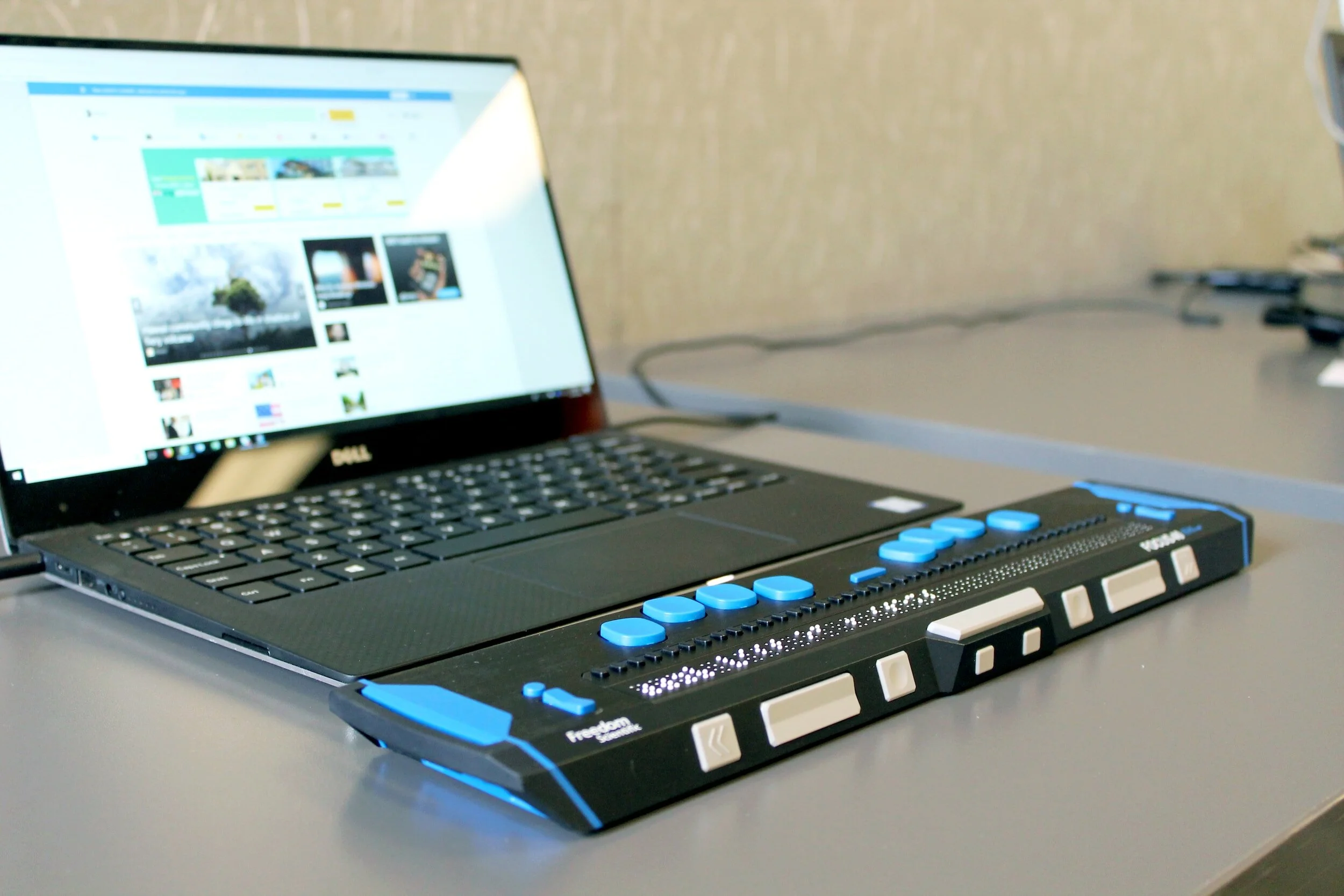
In all of these examples, the web often fails people with disabilities. Like other areas of life, people with disabilities sometimes use adaptive or assistive equipment to access the internet. People with visual impairments might benefit from screen readers, devices or software that interpret visual information aurally, allowing those who are blind or visually impaired to hear web content read out loud.
But the responsibility for a more equitable and accessible web doesn’t fall on people with disabilities; it falls on everyone who is designing, editing, managing, and creating websites or web content. Consider this: someone might use a screen reader to navigate your website, but there are two different buttons in a section, one saying “read more” and the other saying “learn more.” What’s the difference? Where are they leading? What will happen if I select one and not the other? It may be trivial, but that illustrates some of the responsibilities that designers and creators carry. Designing with accessibility in mind can ease these challenges and the overall experience of someone with disabilities.
Common components of accessibility
Accessibility for church websites can include:
Live closed captioning for streamed services
Publishing sermon manuscripts before or after the service
Adding image descriptions everywhere through “alt text”
Adding a responsive HTML bulletin on your website (i.e., adding the text directly to your website instead of using a PDF)
Adding sufficient color contrast to the text on a web page
Building your website on a platform with a demonstrated commitment to accessibility (like Squarespace)
Using headings well and structuring the page content logically
Properly formatting links and buttons
Confronting cost
The price of web accessibility sometimes draws scoffs and guffaws from committee members, congregants, or other stakeholders in the design process. Yes, accessibility can be costly, especially when considering the wide range of issues that fall under its umbrella. Sometimes those costs are justified with PR or missional language: “Think about what it communicates that we have ‘an accessible website.’” Though it’s true that accessibility communicates a congregation’s values, that’s not the point, and it probably won’t convince anyone. Instead, it’s important to acknowledge that the costs are never justified on a per-person or per-use basis. We build an accessible web because it is the right thing to do, because it is a fundamental part of our mission as people of faith, and because any website that isn’t accessible by our siblings with disabilities isn’t worth building at all. After all, we don’t build ramps because people with mobility impairments are especially devout or our largest givers. In the words of Lilla Watson: “If you have come here to help me you are wasting your time, but if you have come because your liberation is bound up with mine, then let us work together.”
What are the Web Content Accessibility Guidelines?
The Web Content Accessibility Guidelines (WCAG) are published through the World Wide Web Consortium, an international standards organization. The WCAG are meant to provide a shared standard for web accessibility that encompasses a range of disabilities. WCAG are divided into different levels of accessibility: A (lowest); AA (mid-range); and AAA (highest). Each level has a set of standards (called “recommendations”) that websites should observe. There are a variety of checklists that third parties publish to help developers, designers, and organizations meet the criteria of each level.
What level is right for us?
Whatever level you aim to meet, the most important thing is that your congregation is constantly identifying opportunities to be increasingly accessible online. That being said, many organizations aim for the AA standard, a mid-level set of standards that is reasonably comprehensive while being within reach for most congregations.

Free, no-strings-attached guide
I’m giving away my online accessibility guide for free — not even an email required.
How does my church become more accessible online?
Start with education! There are a plethora of resources that can help you and your congregation learn about accessibility online. In the context of disability and the church, it can be a great topic for your church’s adult forum, adult education, Christian education, or Sunday School. If you’ve done your research and already engaged in theological/missional reflection, start exploring these resources: