If you’re responsible for church records as a clerk of session or pastor, there’s a good chance you’re asking a few questions, like:
Should my church digitize its files?
Can my congregation go paperless?
How do I get rid of old church files that are taking up valuable space?
But whether you should digitize older files isn’t a simple “yes” or “no,” answer. Because your new records are most likely digitally-borne, you’re probably going to have to wrangle a mix of paper and digital files. That’s no small feat, so I’m sharing a few ideas to help you think it through.
This resource is pulled from my Committee Boot Camp e-course! Dive into more topics covering record keeping, committee agendas, Robert’s Rules, and a few Presbyterian-isms that will help you jump into committee work.
Digital versus physical
There’s a lot of hand wringing about digital files being “insecure” or somehow more likely to disappear. That’s a myth, and here’s why:
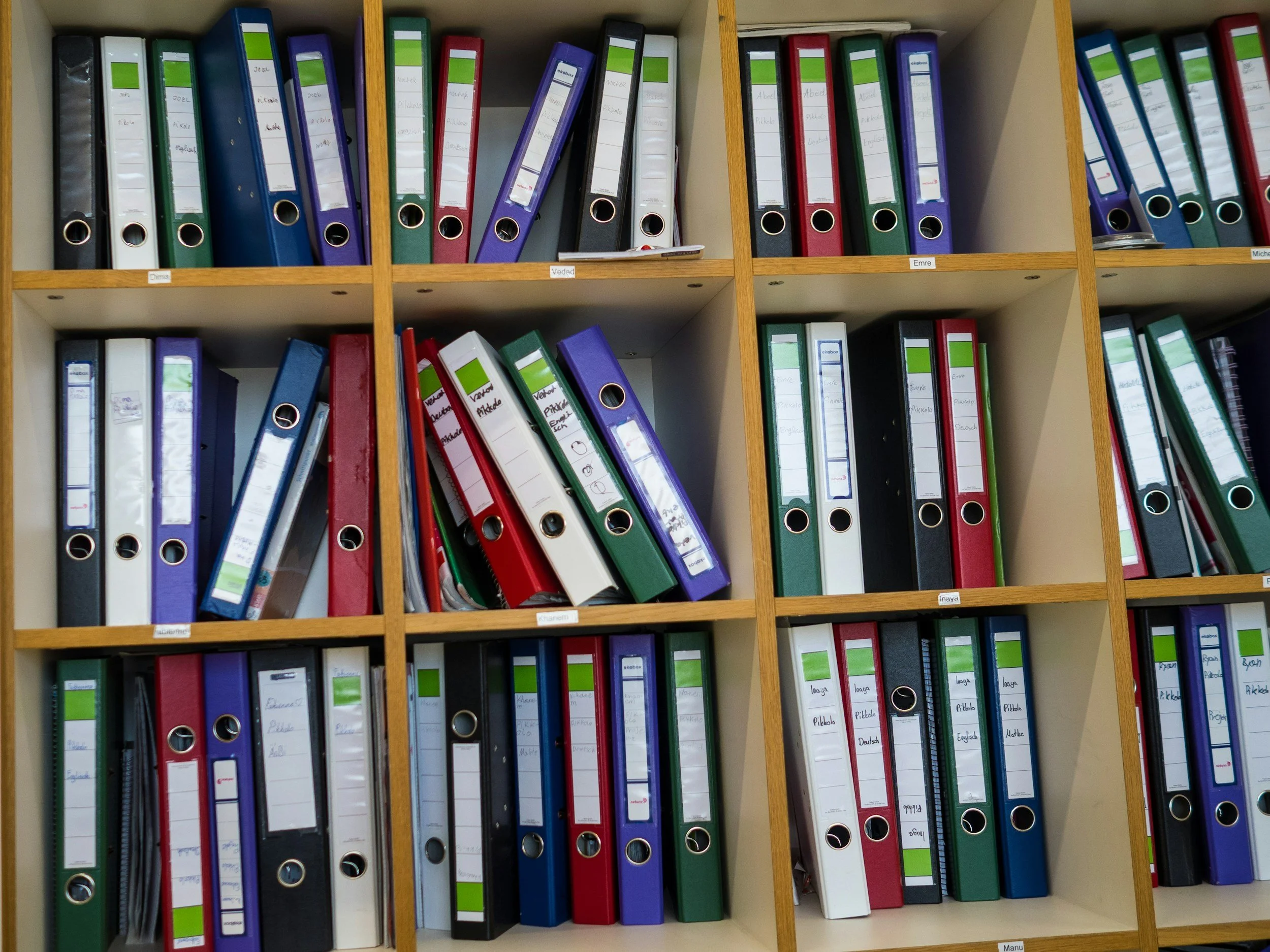
For churches, cloud storage is more secure than physical files, generally speaking. The majority of churches have poor physical record keeping, and have a habit of storing their physical files in insecure, unsafe, humid, or dry environments. In the event of a flood, fire, or ordinary accidents, churches can experience huge losses to their records.
New records are almost always digitally-born. This means printing your files and storing them in-house destroys important data, like the metadata attached to the file (date created, modified date, creator, software, etc.).
Most churches don’t have the administrative capacity to organize files properly. It’s one thing to keep the church office running; it’s a huge challenge to manage the influx of documents coming from committees on top of it. By keeping files digitally, you can compile records directly from volunteers, search for information, and integrate other productivity tools like AI, even with the most disorganized of filesystems.
Institutional continuity
When done properly, digital record keeping will likely strengthen continuity between the church of leadership changes.
Many committee members and chairs cannot access physical files after hours (or they simply don’t spend time at the church after work).
Many committee members and chairs won’t remember to print off digital files, or they will send a high volume of emails to the church office requesting documents to be filed.
Physical files have a habit of getting lost in people’s homes. Especially if someone is rolling off a committee due to health issues (or they leave the church), files tend to become irretrievable. Additionally, many people have messy homes where paper easily disappears.

Should we digitize paper records?
The short answer: maybe. But there are a few principles you should keep in mind:
Digitizing records does not necessarily mean you can destroy the original records. For example, you could digitize session minutes from the 1980s if you wanted to reference them electronically, but destroying the originals would eliminate important archival information. A hundred years from now, our great-grandchildren will want to know what kind of paper was used, the method of printing, whether signatures were hand-written or digital, etc.
Most presbyteries require physical copies of permanent records, and many presbyteries continue to physically stamp them when approved.
For records that are not permanent—for example, sheet music, sermon manuscripts, attendance sheets, registration forms, etc.—you can digitize them and safely destroy the originals.
For digitally-borne records, you can archive them digitally instead of keeping paper copies. The best manner is to create PDF/A files, which are special kinds of PDFs that prevent deprecation.

A suggested course of action
Here’s a suggested course of action for your church that won’t cost you a dime:
-
If your church doesn’t already have a provider like OneDrive, apply through Google for Nonprofits for Google Workspace, which comes with plenty of space. You’ll get free access to staff email addresses, cloud storage, workspace apps, and premium features.
-
Whether you use Shared Drives in Google, Sharepoint in Office 365, or simply shared folders, ensure that your church is the owner of every file that’s uploaded, and that the office administrator’s email has owner access. This ensures that the church has complete control over the institutional records you’re creating.
-
By doing this, there should only be one document in your files rather than duplicate copies that disagree with one another. You’ll also gain the ability to edit documents in real time, rather than re-sending the file back and forth. Most providers have change tracking features.
-
This is a big project, but by digitizing your most essential files, you create backups for safe keeping while making them accessible to your church leadership.
-
By doing so, you’ll ensure that all records moving forward are collected. By creating files in your cloud storage provider, you won’t have to worry about local copies or managing version history on your own device.

Create Your Retention Schedule
Every congregation needs a retention schedule. I strongly recommend the retention schedule created by the Presbyterian Historical Society.
Cover Your Basics
If you don’t adopt the retention schedule, some files are still considered permanent records:
Committee agendas
Committee minutes
Correspondence with enduring administrative or legal value
Manuals and handbooks
Photos of major events (the older the better!)
Want to dive deeper?
Through theologically-grounded and pedagogically-minded course content, strengthen your understanding of the PC(USA) while deepening your spiritual formation.